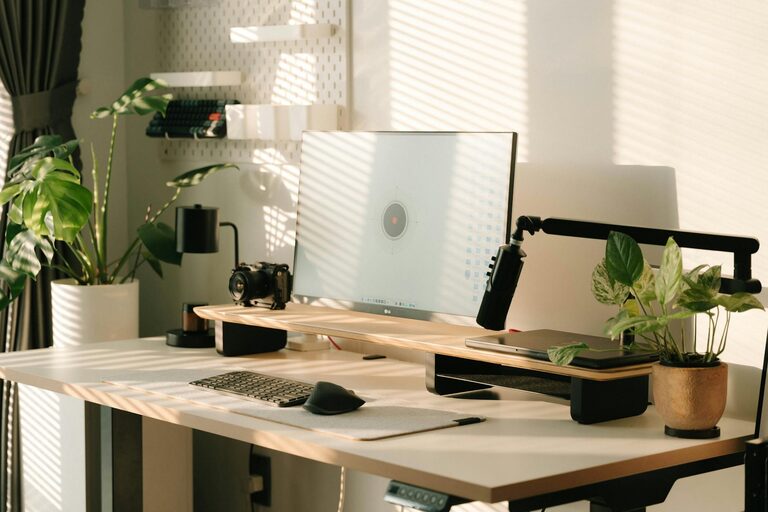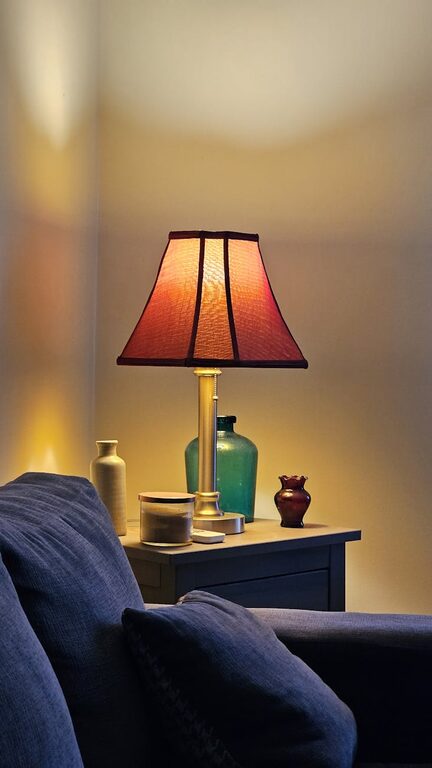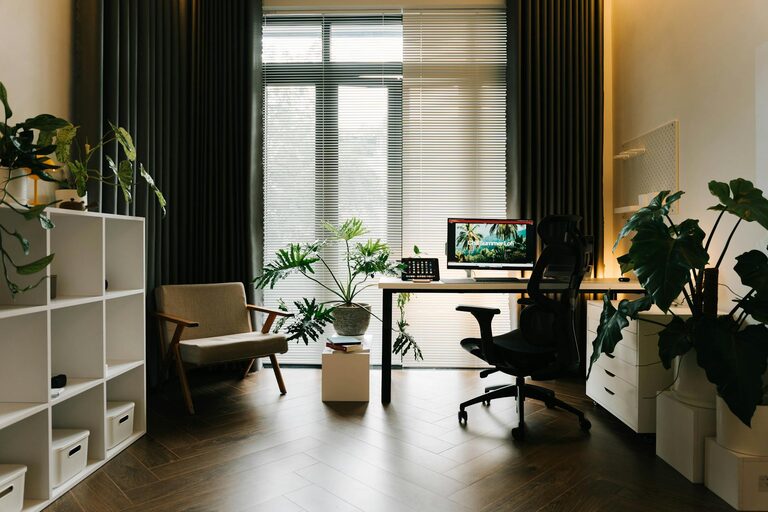
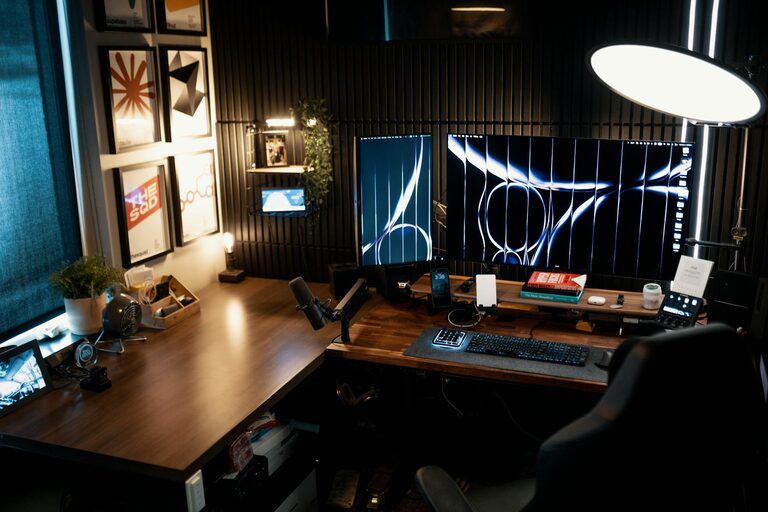
Creating a home office that is both cozy and productive can significantly improve your work-from-home experience. Whether you use the space for full-time work or occasional tasks, having a designated area that feels comfortable and encourages focus can make all the difference. Here are some practical tips to help you design an inspiring home office tailored to your needs.
Choose the Right Location
Selecting the right spot in your home is the first step in setting up your workspace.
– Natural Light: If possible, pick a space near a window. Natural light boosts mood and alertness.
– Quiet Area: Choose a spot away from household noise and distractions.
– Space Consideration: Ensure the area has enough room for your desk, chair, and storage without feeling cramped.
Invest in Ergonomic Furniture
Comfort is key to staying productive during long work hours.
– Desk: Opt for a desk at a comfortable height that suits your working style.
– Chair: Invest in an ergonomic chair that supports your back and encourages good posture.
– Adjustable Options: Consider adjustable desks or chairs to change positions throughout the day.
Organize Efficiently
Keeping your space tidy helps clear your mind and increases efficiency.
– Storage Solutions: Use shelves, drawers, or boxes to store supplies out of sight.
– Cable Management: Organize cables with clips or sleeves to prevent clutter.
– Minimalism: Keep only essential items on your desk to avoid distractions.
Personalize Your Space
Adding personal touches makes your home office inviting and motivating.
– Decor: Include artwork, plants, or meaningful objects that inspire you.
– Colors: Choose soothing or energizing colors based on your preference.
– Lighting: Aside from natural light, add adjustable desk lamps for focused illumination.
Set Clear Boundaries
Defining your workspace helps separate work from leisure and reduces stress.
– Physical Boundaries: Use room dividers or rugs to mark your office area.
– Routine: Establish start and end times to your workday.
– Communication: Let family or housemates know your schedule to minimize interruptions.
Incorporate Technology Wisely
Using the right technology can streamline your tasks and improve comfort.
– Reliable Equipment: Ensure your computer and internet connection meet your work requirements.
– Accessories: Consider a good quality headset, mouse, or keyboard to enhance comfort.
– Software: Use productivity tools and apps to organize tasks and manage time efficiently.
Maintain Air Quality and Temperature
A comfortable environment supports concentration and well-being.
– Ventilation: Open windows when possible for fresh air.
– Plants: Houseplants improve air quality and add a natural element.
– Temperature Control: Use fans, heaters, or air conditioners to maintain a comfortable temperature.
Take Breaks and Move
Even in a well-designed space, taking regular breaks is essential.
– Stretching: Set reminders to stretch or walk every hour.
– Break Activities: Engage in brief activities like deep breathing or stepping outside.
– Separate Areas: If possible, move away from your desk during breaks to refresh your mind.
Final Thoughts
Designing a home office that blends comfort and productivity is a rewarding process. By considering your needs, organizing thoughtfully, and personalizing your space, you can create a work environment that supports both efficiency and well-being. Remember, the best workspace is one where you feel motivated and comfortable, helping you make the most of your work-from-home days.
About the Author