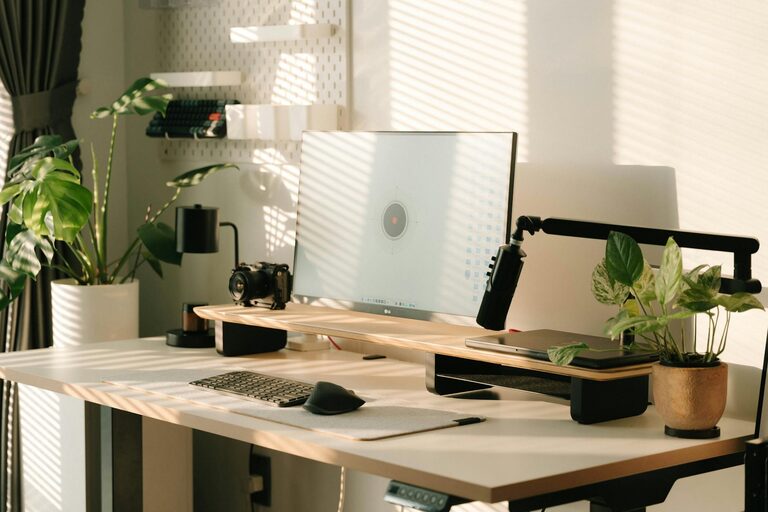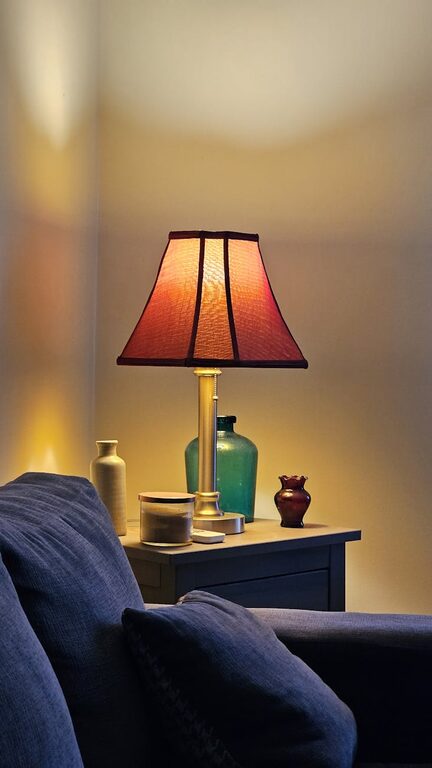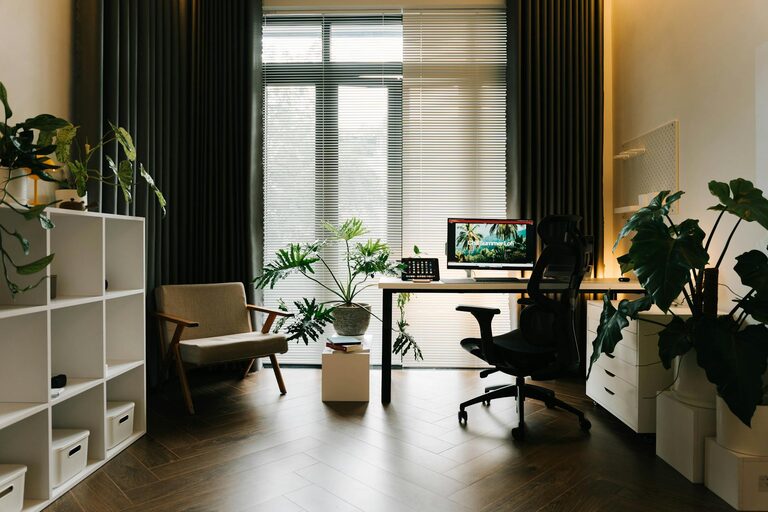
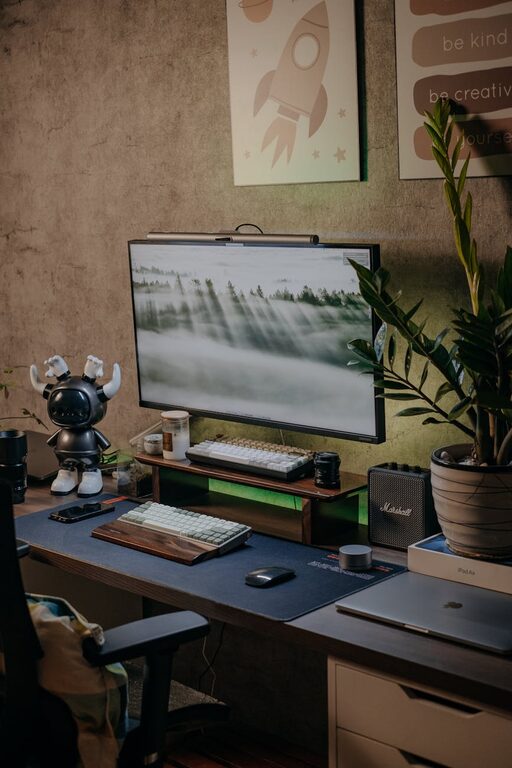
Creating a comfortable and efficient workspace at home is essential for productivity and well-being, especially as many people spend more time working remotely. A cozy and functional home office can boost your motivation, reduce stress, and make work feel more enjoyable.
In this post, we’ll explore practical tips to help you design a workspace that meets your needs while feeling welcoming and inspiring.
1. Choose the Right Location
The first step in setting up your home workspace is selecting the best spot.
– Quiet and Private: Pick an area away from household noise and distractions.
– Natural Light: Position your desk near a window to enjoy daylight, which can improve mood and focus.
– Space Available: Ensure there’s enough room for your work essentials and some personal touches.
If you don’t have a separate room, try to carve out a small nook or corner that feels separate from living spaces.
2. Invest in Comfortable and Supportive Furniture
A cozy yet functional workspace depends on good furniture choices.
– Chair: Choose an ergonomic chair with adjustable height and lumbar support to keep your posture healthy.
– Desk: Opt for a desk that fits your work style—whether a traditional desk or a standing desk converter.
– Layout: Arrange furniture so you have easy access to tools and can move freely.
Comfortable furniture helps avoid discomfort and encourages longer periods of focused work.
3. Organize Efficiently with Storage Solutions
Organization plays a huge role in workspace functionality.
– Declutter: Keep only what you need on your desk to maintain focus and reduce visual distraction.
– Storage: Use shelves, drawers, or filing cabinets to keep supplies tidy.
– Accessibility: Store frequently used items within arm’s reach, while less-used materials can be placed further away.
Label containers or drawers if possible to save time searching for items.
4. Personalize Your Space
Making your workspace cozy involves adding personal touches that inspire you.
– Colors: Use calming or uplifting colors through accessories such as cushions, rugs, or wall art.
– Plants: Incorporate greenery to improve air quality and add a natural element.
– Lighting: Include a desk lamp with warm light to complement natural lighting, especially for evening work.
However, avoid overcrowding your workspace with too many decorations, which can become distracting.
5. Optimize Lighting for Comfort and Productivity
Good lighting helps reduce eye strain and keeps you alert.
– Mix Lighting Sources: Combine natural light, overhead lighting, and task lighting.
– Positioning: Avoid glare on your screen by placing your monitor perpendicular to windows.
– Adjustability: Use lamps with adjustable brightness and direction.
Consider blue light filters or screen protectors to reduce eye fatigue from screens.
6. Use Technology to Improve Workflow
Technology can boost your workspace efficiency.
– Monitors: Use an external monitor to enhance screen space and work comfort.
– Accessories: Invest in a wireless keyboard and mouse for flexibility and less clutter.
– Cable Management: Use clips, ties, or trays to keep cables neat and avoid tangling.
Keep your devices updated and your workspace tidy to create a seamless workflow.
7. Establish Boundaries Between Work and Home
Maintaining a balance is vital when working from home.
– Schedule breaks: Step away from your desk regularly to stretch and refresh.
– Separate Work and Leisure: Try not to use your workspace for non-work activities.
– Signage: Use visual cues like a door sign or room divider to signal when you’re working.
This separation helps maintain focus and gives clear signals to others in your home.
8. Maintain Cleanliness and Regular Upkeep
Keeping your workspace clean contributes to both comfort and productivity.
– Daily Tidying: Spend a few minutes at the end of each day organizing your desk.
– Deep Clean Weekly: Dust surfaces, vacuum floors, and wipe equipment regularly.
– Air Quality: Open windows or use air purifiers to keep the air fresh.
A tidy environment helps reduce stress and keeps you motivated.
Conclusion
Creating a cozy and functional home workspace is about combining comfort, organization, and personal style tailored to your needs. By selecting the right location, investing in good furniture, managing storage, personalizing the space, optimizing lighting, using technology wisely, establishing clear boundaries, and keeping your area clean, you can enhance your productivity while enjoying a pleasant atmosphere.
Take your time to experiment and adjust your workspace until it feels just right—a place you look forward to spending time in every day.
About the Author