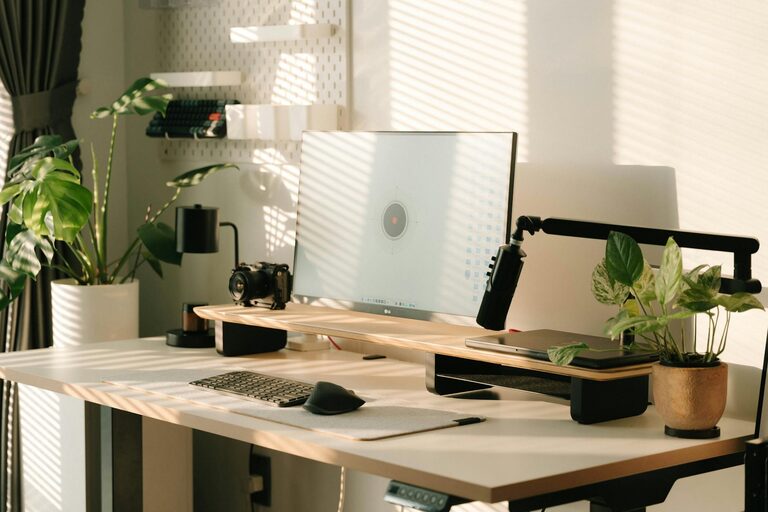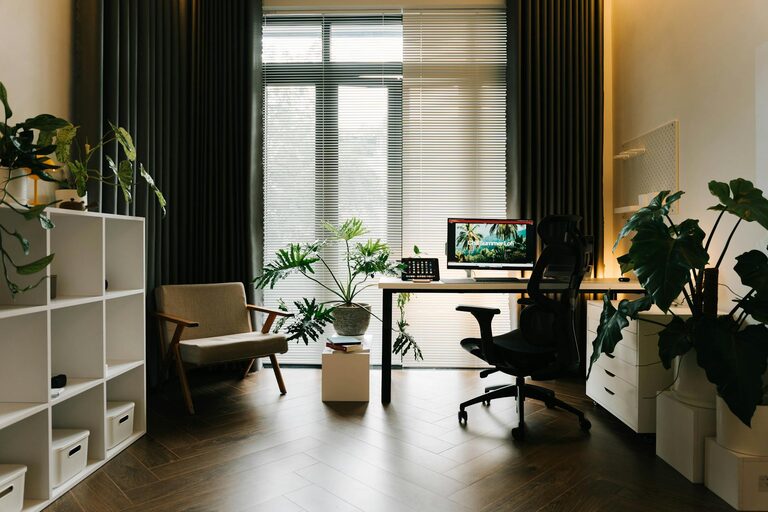
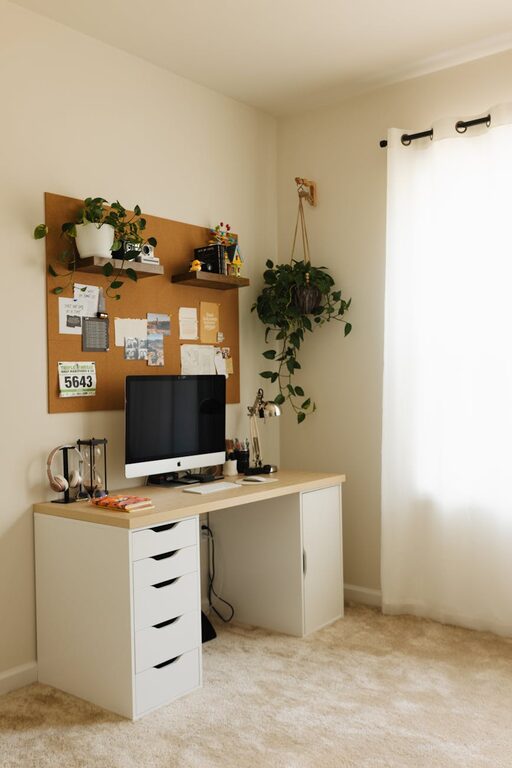
Creating a home office that is both cozy and productive can transform your work-from-home experience. A well-designed workspace not only enhances focus but also promotes well-being throughout the day. Whether you have a dedicated room or just a corner in your living area, these tips will help you set up an inviting and efficient home office suited to your needs.
Choose the Right Location
Selecting the perfect spot for your home office is the first step. Ideally, find an area away from heavy foot traffic and noisy zones like the kitchen or living room. If possible, choose a space with natural light as it can improve mood and reduce eye strain.
Consider these factors:
– Privacy: A quiet location where interruptions are minimal.
– Lighting: A spot near a window or well-lit area.
– Space: Enough room for your desk, chair, and storage.
Invest in Comfortable Furniture
Comfort is key for long hours spent working. Invest in an ergonomic chair that supports your posture to prevent back and neck pain. Your desk should be at a comfortable height and large enough to accommodate your computer and other essentials.
Tips for furniture:
– Adjust your chair so your feet rest flat on the floor.
– Ensure your monitor is at eye level to avoid strain.
– Use a desk with storage options or pair with organizers to keep items tidy.
Incorporate Effective Lighting
Good lighting reduces eye fatigue and helps maintain energy levels. Combining natural and artificial light is usually best.
Lighting tips include:
– Use a desk lamp with adjustable brightness.
– Avoid harsh overhead lights or glare on your screen.
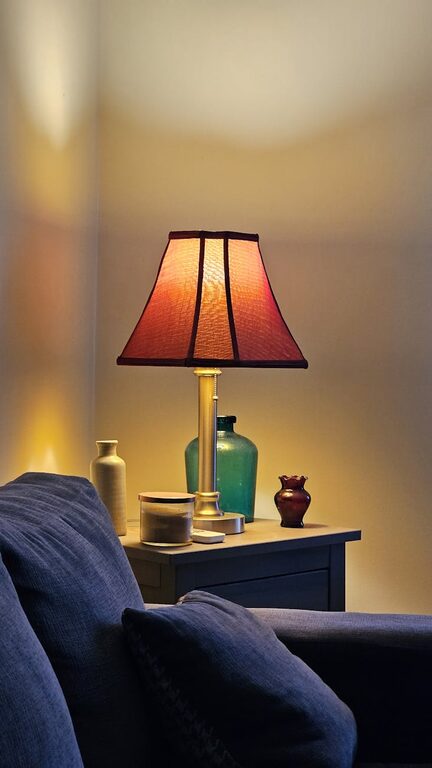
– Opt for warm light bulbs to create a cozy atmosphere.
Personalize Your Space
Adding personal touches makes your home office more inviting. Use decor that inspires you without distracting from work.
Ideas to personalize:
– Display photos, artwork, or plants.
– Choose colors that calm or energize you, such as soft blues or greens.
– Add cushions or a cozy rug to soften the room.
Keep It Organized
Clutter can be a major distraction. Developing an organizational system helps maintain a clean and efficient workspace.
Organizing strategies:
– Use shelves, filing cabinets, or storage boxes.
– Keep only essentials on your desk.
– Create a daily routine to tidy up at the end of each day.
Manage Noise Levels
Noise can interrupt concentration. Here are ways to reduce noise:
– Use noise-cancelling headphones.
– Add soft furnishings like curtains or rugs to absorb sound.
– Consider a white noise machine or calming background music.
Optimize Technology and Connectivity
Ensure your technology supports seamless work.
– Have a reliable internet connection.
– Keep cables organized to avoid tangles.
– Use wireless devices if possible for a cleaner setup.
Establish Boundaries and Routine
Working from home requires clear boundaries to separate work and personal life.
– Set working hours to maintain consistency.
– Communicate your schedule with others at home.
– Create a ritual to start and end your workday, such as a short walk or a coffee break.
Add Greenery
Plants improve air quality and add life to your workspace.
– Choose low-maintenance plants like succulents or spider plants.
– Place them where they receive natural light.
– Use small pots to save desk space.
Maintain Air Quality and Comfort
A fresh environment helps you stay alert.
– Open windows regularly for ventilation.
– Use a small fan or heater to maintain comfortable temperature.
– Keep a water bottle nearby to stay hydrated.
—
By applying these practical tips, you can create a home office space that balances productivity and comfort. This setup not only helps you work efficiently but also makes your daily routine more enjoyable. Take the time to customize your area according to your preferences and needs, and don’t hesitate to update it as your work style evolves.
About the Author